
Test purchases on Android
Make your Android test purchases free, and fix an empty paywall: license testers, opt-in URL and phone settings.
On Android, a purchase only works under precise conditions. Miss one and your paywall shows nothing, or worse, charges you for real. Here is the setup that makes test purchases free.
1. Declare yourself as a license tester
In Play Console, at the top level (not inside an app), open Settings, then License testing. Add the Google address of the phone you test with, then pick the list you just created and save.
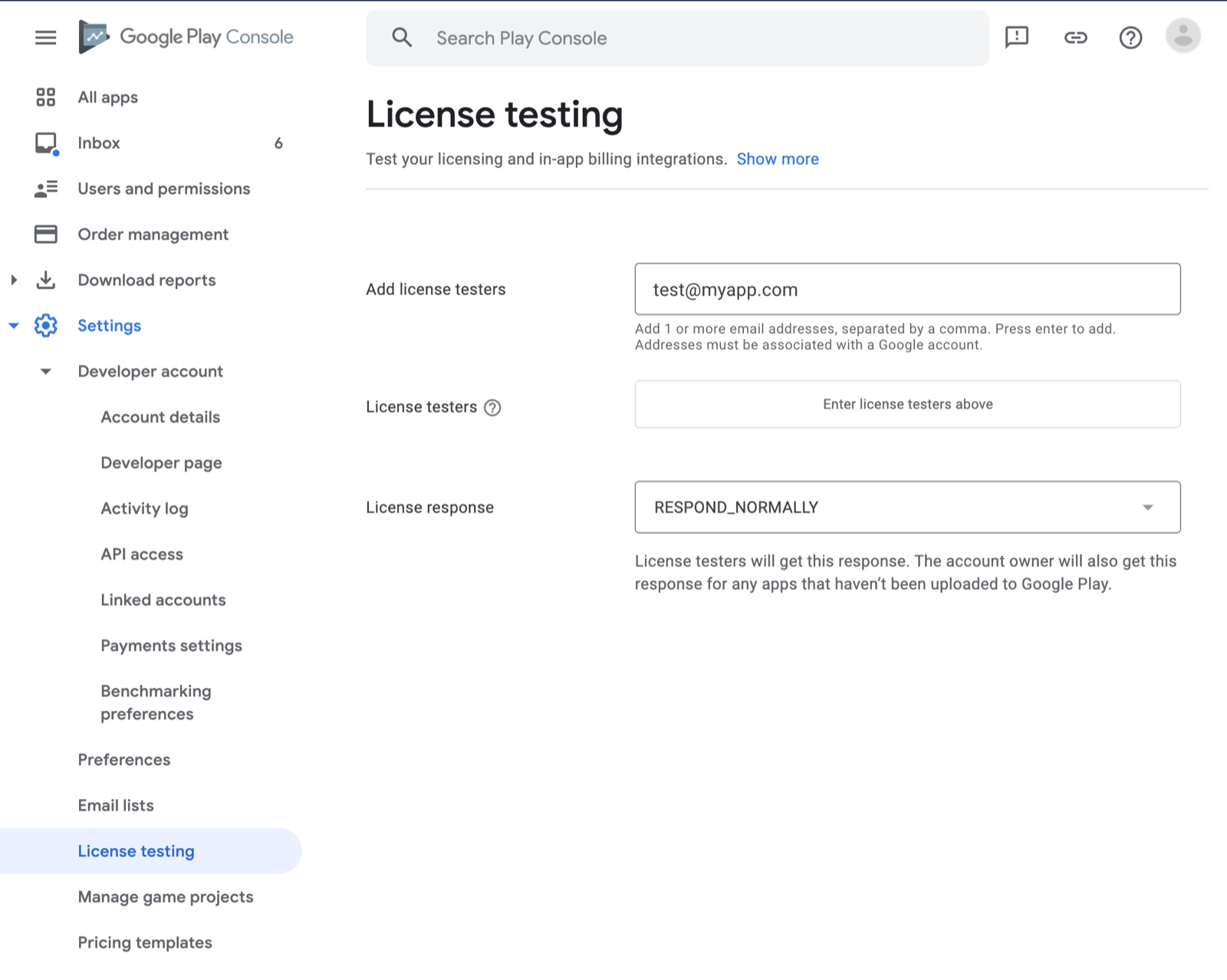
Skipping the "pick the list" part is the classic mistake: the tester is added but never active.
2. Publish on a closed testing track
Bloxks sends your build to internal testing. In Play Console, open Testing, then your track, and add your address to the testers there too.
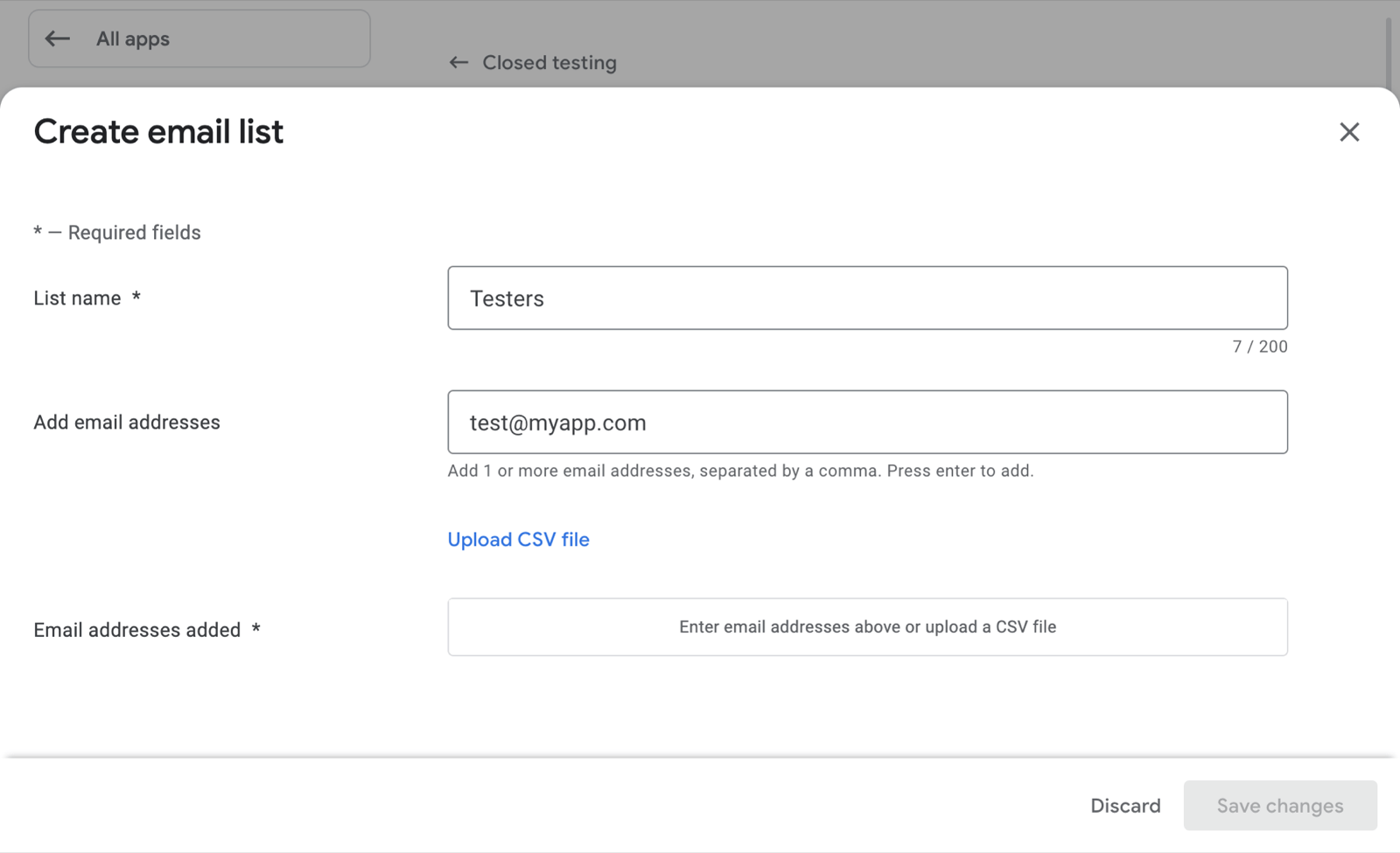
Then open the track’s opt-in URL on the phone itself and accept to become a tester. Without that step, products never load: this is the single most common cause of an empty Android paywall.
3. Install from Google Play, not from a file
The app must come from Google Play with the same package name as the build you published. An app installed from an .apk file, or built with another identifier, finds no product.
4. Two settings on the phone
- A single Google account signed in: with several accounts, test purchases fail.
- A screen lock (PIN) turned on: without it, subscriptions fail with a generic "something went wrong".
What a test purchase looks like
With everything set up, the payment sheet says Test card, always approves, and nothing is charged. If you see a real payment method, stop: your address is not an active license tester.
Test subscriptions renew much faster than real ones, and stop after 6 renewals:
| Real duration | In testing |
|---|---|
| 1 week | 5 minutes |
| 1 month | 5 minutes |
| 3 months | 10 minutes |
| 6 months | 15 minutes |
| 1 year | 30 minutes |
If the paywall stays empty
- The opt-in URL was never opened on the phone.
- Your address is a tester on the track, but not in License testing (or the list was not selected).
- The service account is younger than 36 hours: the products are not visible to Bloxks or RevenueCat yet. See Set up your Google Play account.
- Products were created before your first build reached a track: publish again from Bloxks, which recreates them.
More causes, on both stores: Paywall and subscriptions.