
Test on TestFlight
Send a build to your iPhone without going through App Store review.
TestFlight is Apple’s official beta service. It installs your app on a real iPhone, from Apple’s servers, without publishing it on the App Store. Perfect for checking a fix, or letting a few people try the app before everyone else.
When Bloxks offers it
The TestFlight only button appears next to the publish button once your app has already been submitted to Apple at least once. Before that it wouldn’t save you anything: the listing, the screenshots and the build are prepared the same way. TestFlight simply skips the last step, the submission to review.
What Bloxks does
- Builds the final binary in the cloud, exactly like a normal release.
- Uploads it to App Store Connect.
- Stops there. Nothing is sent to App Review, your published version is untouched.
Apple then processes the build for a few minutes. You get an email from App Store Connect when it’s ready to test.
What happens on Apple’s side
Your build lands in the TestFlight tab of your app in App Store Connect.
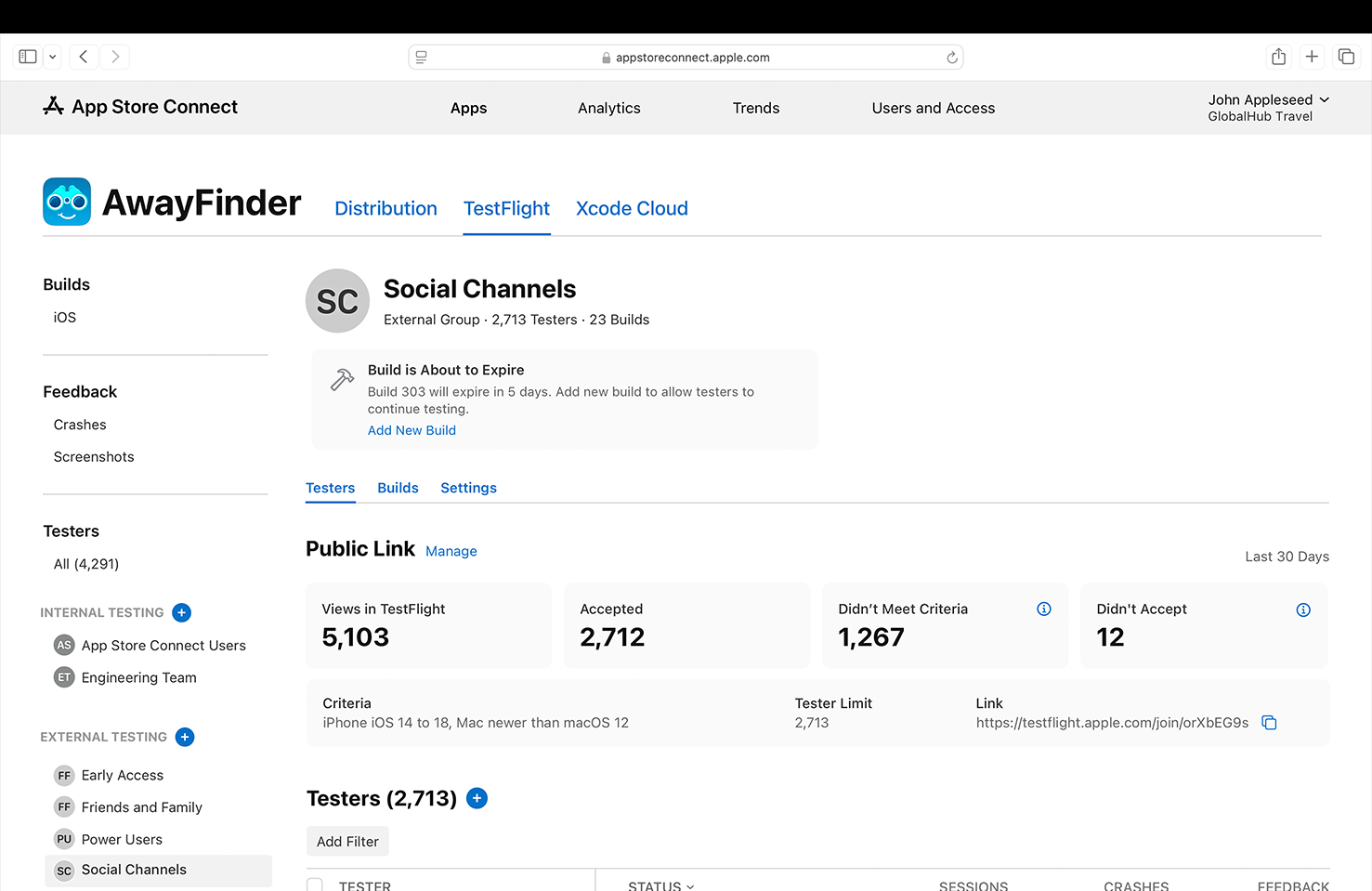
Two kinds of testers, and the difference matters:
- Internal testers: up to 100 people who already have access to your App Store Connect account. No Apple review, they can install right away.
- External testers: up to 10,000 people invited by email or through a public link. The first build you send to an external group goes through a short beta review by Apple. The next ones usually don’t.
How your testers install it
They install the free TestFlight app from the App Store, open your invitation (email or public link) and your app appears there like any other download.
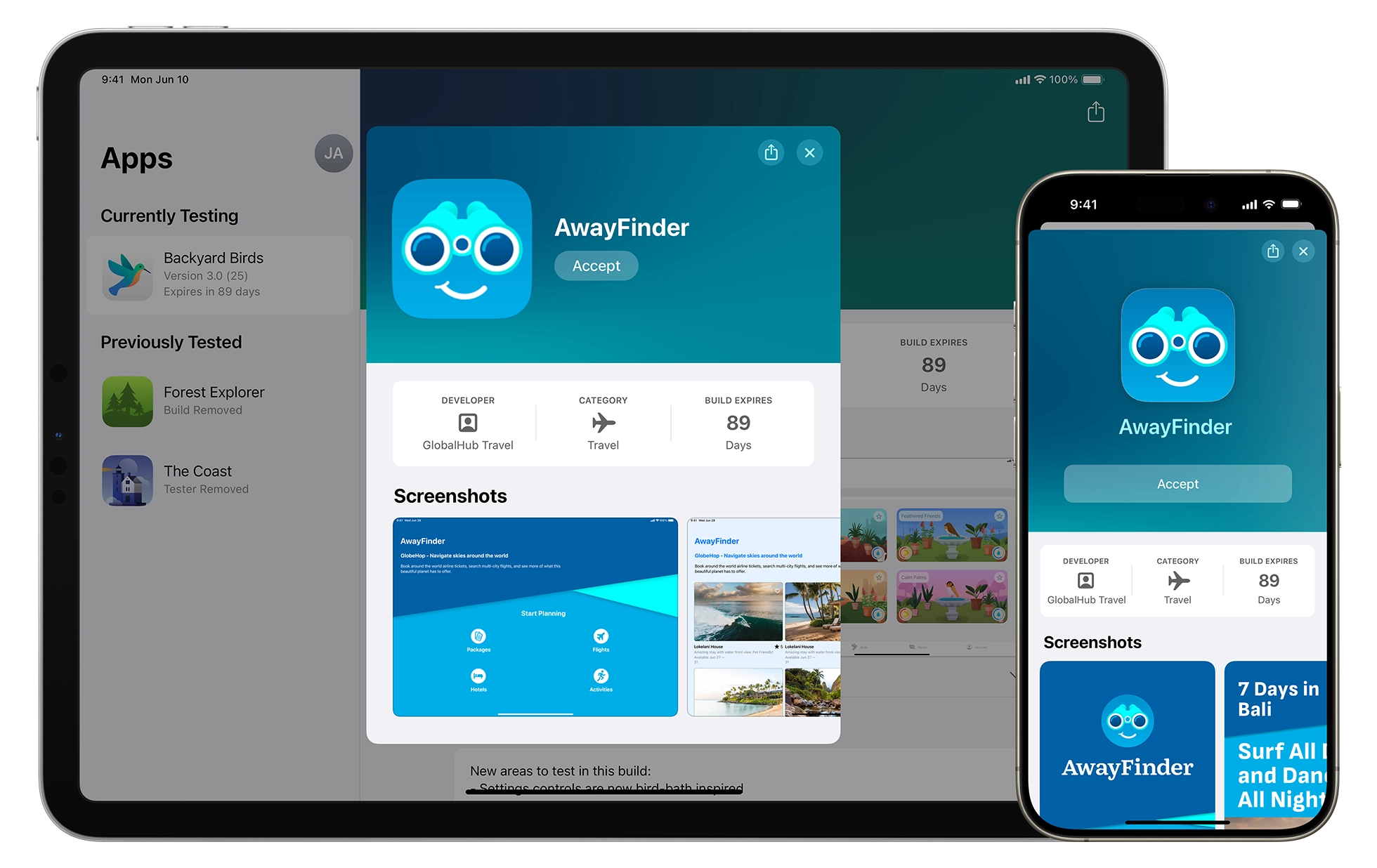
From TestFlight, a tester can take a screenshot inside your app and send it back to you as feedback. You read it in the TestFlight section of App Store Connect.
Good to know
- A build stays testable for 90 days, then expires on its own.
- Apple accepts up to 6 builds submitted for beta review per 24 hours.
- To create an external group, you first need an internal group.
- Testing on TestFlight is the best rehearsal before review: it’s the same binary Apple will examine.
Going further
- TestFlight overview, Apple’s official documentation.
- Invite external testers.
- Publish to the App Store for the full release flow.